Web Accessibility Services for Agencies: How to Sell Ongoing Accessibility Work to Your Clients
A practical guide for web agencies on offering accessibility as a recurring service, from audits and fixes to monitoring, and where AI tools fit into the work.

Why accessibility work suits a recurring retainer
Many agencies sell accessibility as a project: run an audit, hand over a list of fixes, and move on. The problem is that websites rarely stay fixed. A new campaign page, a plugin update or a developer working under deadline can reintroduce problems that were resolved months earlier.
The baseline is poor. WebAIM's analysis of the home pages of the top one million websites, run in February 2026, found detectable WCAG 2 failures on 95.9% of home pages, up from 94.8% in 2025. The average home page had 56.1 detected errors, up from 51. Low contrast text appeared on 83.9% of home pages, missing alternative text on 53.1%, and missing form labels on 51%.
Those numbers describe a problem that clients will keep having. For an agency, that makes accessibility closer to security patching or hosting than to a redesign: something that needs regular attention after launch.
What is driving client demand
Clients are asking about accessibility for legal and procurement reasons, and the pressure is growing. In the United States, Title II of the ADA requires state and local governments to make their web content and mobile apps accessible. The DOJ rule sets WCAG 2.1 Level AA as the technical standard. The Department of Justice has since extended the compliance dates through an interim final rule, with April 26, 2027 for governments serving 50,000 or more people and April 26, 2028 for smaller entities and special districts.
Private businesses face lawsuits under Title III. According to Seyfarth Shaw's tracking of federal filings, plaintiffs filed 3,117 website accessibility lawsuits in 2025, a 27% increase from 2,452 in 2024. That count covers federal court only, so the full number is higher.
In Europe, the European Accessibility Act has applied since 28 June 2025. The Commission lists websites among the services it covers. Clients with EU customers should check with their own counsel about what applies to them. An agency should not give that legal advice itself, but it should know which questions to route to a lawyer.
Package accessibility as tiers, not hours
A retainer works best when the client can see what they are buying each month. Three tiers cover most situations. The first is a baseline audit that combines automated scanning with manual testing of key templates and user journeys. The second is a remediation sprint that fixes the issues in priority order, usually starting with templates that appear on every page. The third is monitoring, which keeps scanning, catches regressions after deploys and produces a short monthly report.
Scope the tiers around the site's templates rather than its page count. Fixing a navigation component or a form template can improve many pages at once, so a template-based scope is easier to estimate and keeps the work from growing unpredictably as content is added.
Keep the first audit honest about its limits. Tell the client which pages were tested manually, which were only scanned, and which still need a user test with people who use assistive technology.
- Baseline audit: automated scan of all templates, manual keyboard and screen reader checks of core journeys, and a prioritized issue list.
- Remediation sprint: fixes grouped by template, retested before sign-off, with a short note explaining each change.
- Monitoring: recurring scans, regression checks after releases, and a monthly report of new and resolved issues.
What automated tools cannot tell you
Automated checks are useful, but they are not the whole job. The W3C Web Accessibility Initiative puts it directly on its evaluation guidance page: no tool alone can determine if a site meets accessibility standards, and knowledgeable human evaluation is required.
A scan can tell you that an image has no alt attribute. It cannot tell you whether the alt text describes the image's purpose on that page. It can see that a form field has a label, but not whether the label makes sense when a screen reader user reaches it in a long form. Focus order, keyboard traps, error messages, reading order and the clarity of link text usually need a person.
Build a manual step into every tier. A short checklist covering keyboard navigation, focus visibility, heading structure, form errors and zoom at 200% will catch many issues that scans miss, and it gives your team a repeatable way to show the work.
Why overlays are not part of the service
Some clients will ask whether a script can fix their accessibility, and some vendors will say yes. The Federal Trade Commission has taken action on this. In January 2025 it announced a proposed order against accessiBe, and in April 2025 it approved the order as final. The order requires accessiBe to pay $1 million and bars the company from representing that its automated products can make any website WCAG-compliant, unless it has evidence to support that claim.
The lesson for agencies is simple. A widget can change how a page looks or behaves for a visitor, and that can help some readers. It does not repair the markup, scripts and content underneath, and it should never be sold as the thing that makes a site accessible. Describe widgets, if you use them at all, as a reading aid layered on top of proper fixes.
Where AI fits into the workflow
AI is most useful for speeding up the parts of the job that are repetitive. It can scan at scale, explain an issue in plain language, and draft a fix for a developer to review. The risk is in applying those fixes without checking them. Generated alt text can be wrong, and an automated ARIA change can make a component harder to use.
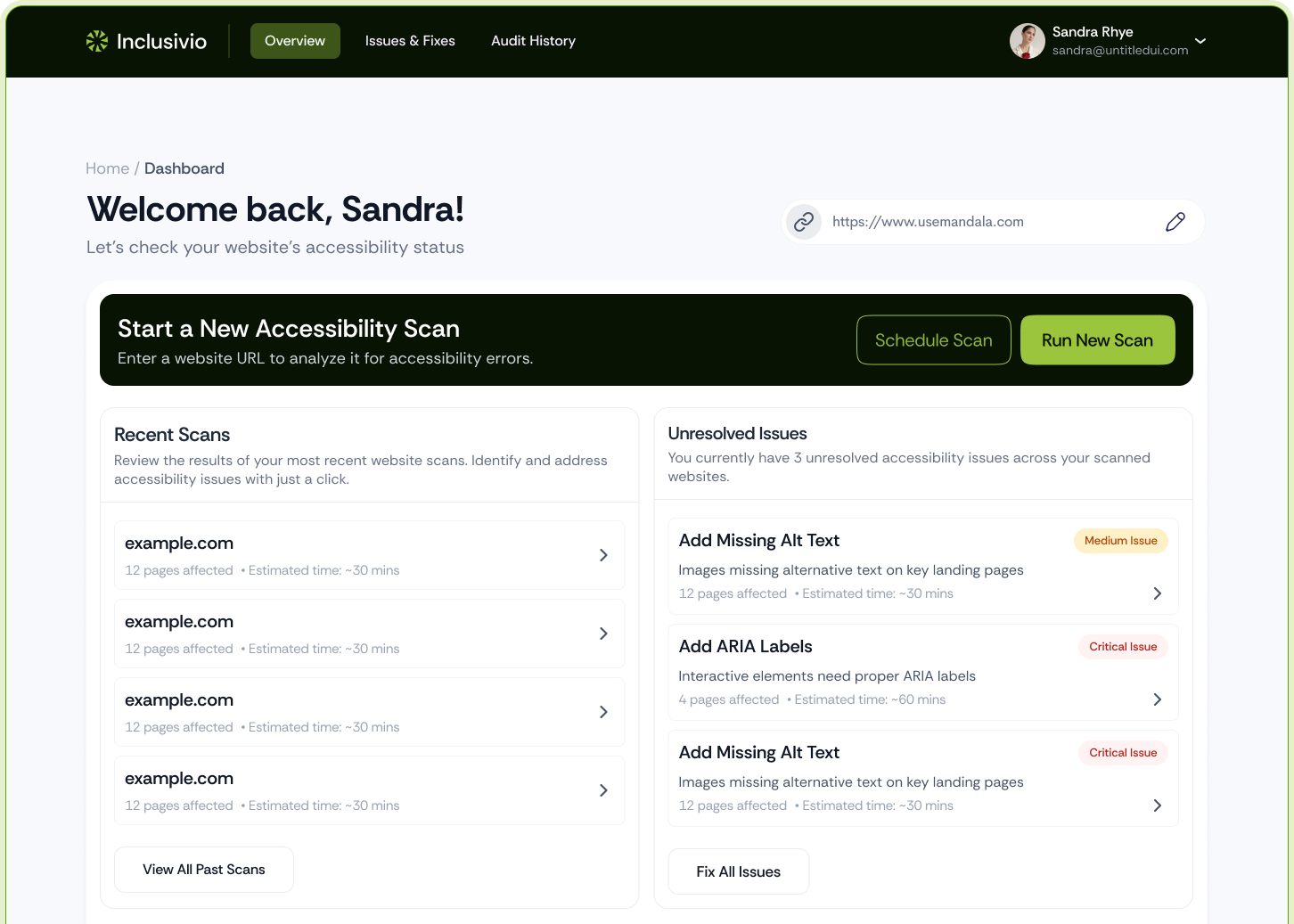
Inclusivio is built around that division of work. Its AI agent scans are designed to look for issues that rule-based checks often miss. For each issue, the AI proposes a fix that your team reviews and applies. Scans and reports are kept as history, so you can show a client what changed from one month to the next.
Inclusivio also offers a visitor widget with text size, contrast, reading guides and more. Paid plans add a widget assistant and WebMCP tools so AI agents can navigate and act on a site. Those are useful features, but they sit alongside the remediation work described above and do not replace it.
- MCP server: pull scans into Claude, ChatGPT or Cursor while you work on a client's codebase.
- CI scan API: run scans in GitHub pipelines so regressions are caught before a release.
- Reports and history: give clients a clear record of what was found, fixed and retested.
Pricing and packaging the retainer
Inclusivio prices by scans rather than by site, and every plan includes unlimited websites. For an agency managing many client domains, that means usage follows the scans you run rather than the number of sites you add. The Growth plan is $50 per month if you bring your own AI key, or $300 per month with AI included, which covers 2,500 scans per month and up to 10 seats. The Scale plan is $500 or $3,000 per month for 25,000 scans with unlimited seats and litigation support. Current details are on the pricing page.
Inclusivio also offers one-off services, including PDF accessibility, VPAT preparation, user testing, expert audits and litigation support. These can sit alongside a monthly retainer as the higher-touch items in your proposal.
Set your own margin and client pricing. The software cost is one line in the proposal, and the value you sell is the audit, the fixes and the people who review them.
How to start without overpromising
Start with one or two existing clients rather than a full portfolio. Run a baseline audit, pick the highest-traffic templates and fix them first. Share the before and after results, including the issues you could not resolve and why. That honesty builds more trust than a promise of full conformance, which no agency or tool can guarantee across a changing site.
Write the scope into the contract. Say what is tested manually, how often monitoring runs, who owns content fixes and what happens when a third-party script breaks something. Clear scope protects the agency and the client.
Accessibility is a good fit for an agency that wants recurring work built on specialist skills: audits, remediation, testing and clear reporting. Many clients are already asking about it, and the regulatory deadlines are getting closer.
If you run an agency and want to offer accessibility as a service, explore the plans on the pricing page or contact contact@thea11ylabs.com about the partner program.
Sources
- FTC Approves Final Order Requiring accessiBe to Pay $1 Million (FTC, April 2025)
- Americans with Disabilities Act Title II Web Rule (ADA.gov, U.S. Department of Justice)
- Federal Court Website Accessibility Lawsuit Filings Bounce Back in 2025 (Seyfarth Shaw LLP, via JD Supra)
- The EU becomes more accessible for all (European Commission, Digital Strategy)
- The EAA comes into effect in June 2025. Are you ready? (AccessibleEU Centre, European Commission)
- The WebAIM Million: 2026 accessibility report on the top one million home pages (WebAIM)
- Evaluating Web Accessibility: Evaluation Tools and Methods (W3C Web Accessibility Initiative)
- Web Content Accessibility Guidelines (WCAG) 2.2 (W3C Recommendation, 12 December 2024)